
Reaching Patients on Mobile Devices

Mobile-First Healthcare Marketing: Engaging Australian Patients
Mobile-first healthcare marketing means designing every patient touchpoint—search listings, ads, websites and messaging—with phones as the primary device. Most Australians start health searches and take action on mobile, so focusing on local SEO, mobile UX and mobile advertising makes your clinic easier to find, simpler to contact, and quicker to book. In this guide we give practical, Australia-focused steps to attract local patients on mobile: Google Business Profile optimisation, mobile-friendly site design, secure messaging and telehealth flows, plus targeted mobile ads. You’ll get checklists for GBP, telehealth and messaging, instructions for mobile ad setup and conversion optimisation, and a KPI map with tracking tools so you can measure mobile patient acquisition. We reference tools like Google Ads, social mobile ads, telehealth platforms and patient portals, and keep tactics concise for small dental, physio and medical practices.
How can local SEO improve mobile patient acquisition for small medical practices?

Local SEO helps more patients find your practice on mobile by improving visibility in search results and map packs—where most “near me” and location queries happen. The logic is simple: a well-optimised Google Business Profile signals relevance and proximity, while consistent citations and local schema build authority. Together they drive more calls, website visits and bookings from mobile users. That means higher click-to-call rates, more direction requests, and better placement for service-plus-location searches. Below we break the process into hands-on steps busy practice owners can use right away.
What are the key steps to optimise Google Business Profile for mobile search?
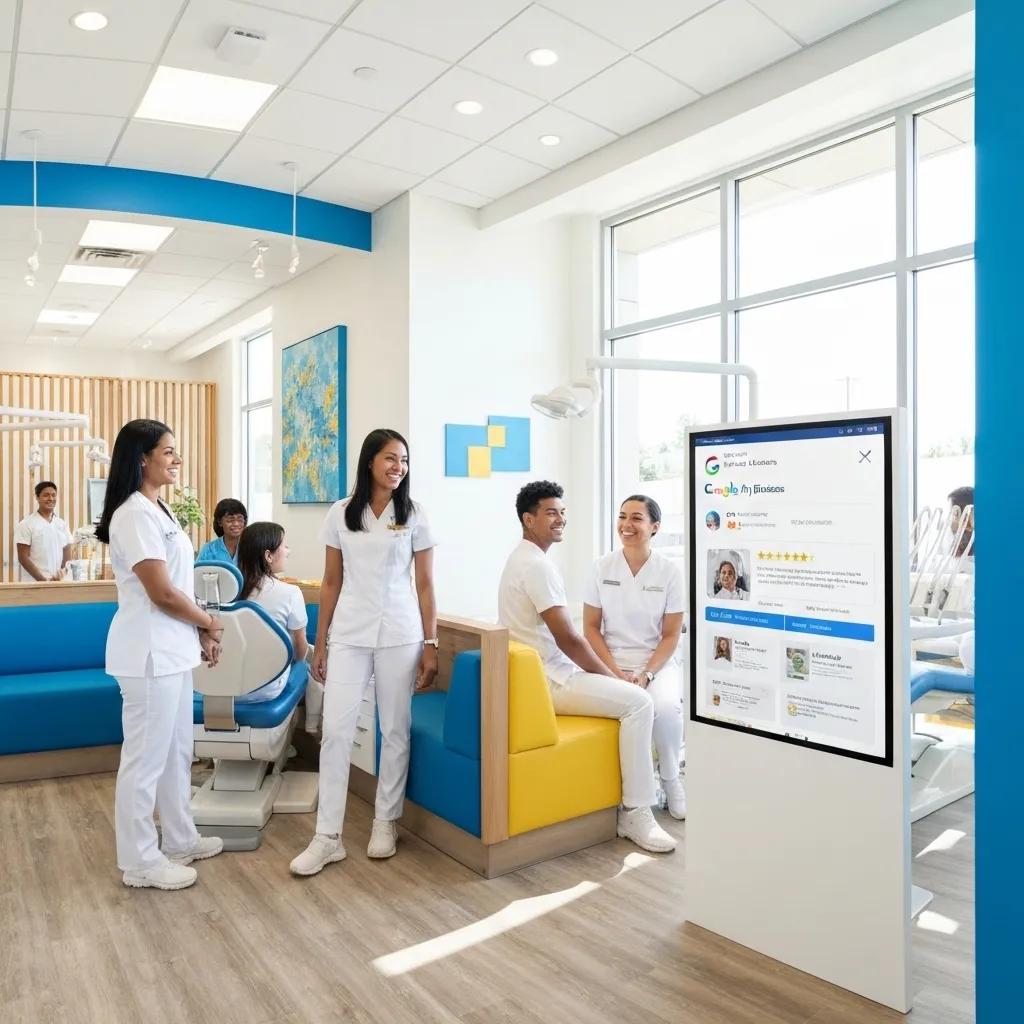
Mobile-ready Google Business Profile (GBP) optimisation starts with completeness and action-focused elements that show on phones. First, fill every GBP field with accurate categories, service descriptions and a mobile-friendly appointment URL so click-to-call and booking actions are obvious. Second, enable booking and reservation links and use photos and posts sized for mobile so images load fast and convert. Third, ask for and respond to reviews from mobile devices—short, timely replies boost engagement and show responsiveness. These steps form a practical checklist clinics can follow to improve map visibility and generate immediate patient actions like calls and bookings.
- Complete all GBP fields, including correct category and service URLs.
- Enable click-to-call and booking links so actions are visible on mobile.
- Publish mobile-optimised photos and posts regularly to keep your listing active.
- Request reviews after visits and reply promptly using mobile workflows.
These actions lay the groundwork for on-site mobile UX improvements, covered next.
How does mobile-friendly website design boost local healthcare visibility?
A mobile-friendly website helps local visibility by improving user signals and supporting mobile-first indexing, which search engines prioritise for ranking. Responsive design makes content and navigation work on small screens, while clear click-to-call and booking CTAs remove friction between discovery and appointment. Adding local schema (Schema.org/LocalBusiness) and service-level structured data helps search engines match your practice to relevant local queries, improving both map and organic placements for mobile users. These on-site changes reduce drop-off and lift conversions, then feed into engagement channels that keep patients connected after their first mobile contact.
- Responsive layouts with clear above-the-fold contact buttons raise conversion rates.
- Mobile-first content hierarchy puts services and contact details before long copy.
- Structured data and local markup improve indexing and eligibility for rich mobile results.
Those on-site updates connect directly to mobile engagement channels like secure messaging and telehealth, which we cover next.
Some practices prefer to outsource implementation; at Milkcan Marketing we offer Local SEO and Google Business Profile management designed for small dental and healthcare practices, with clear pricing and local growth plans that turn optimisation into measurable calls and bookings.
What are effective mobile patient engagement strategies for healthcare providers?
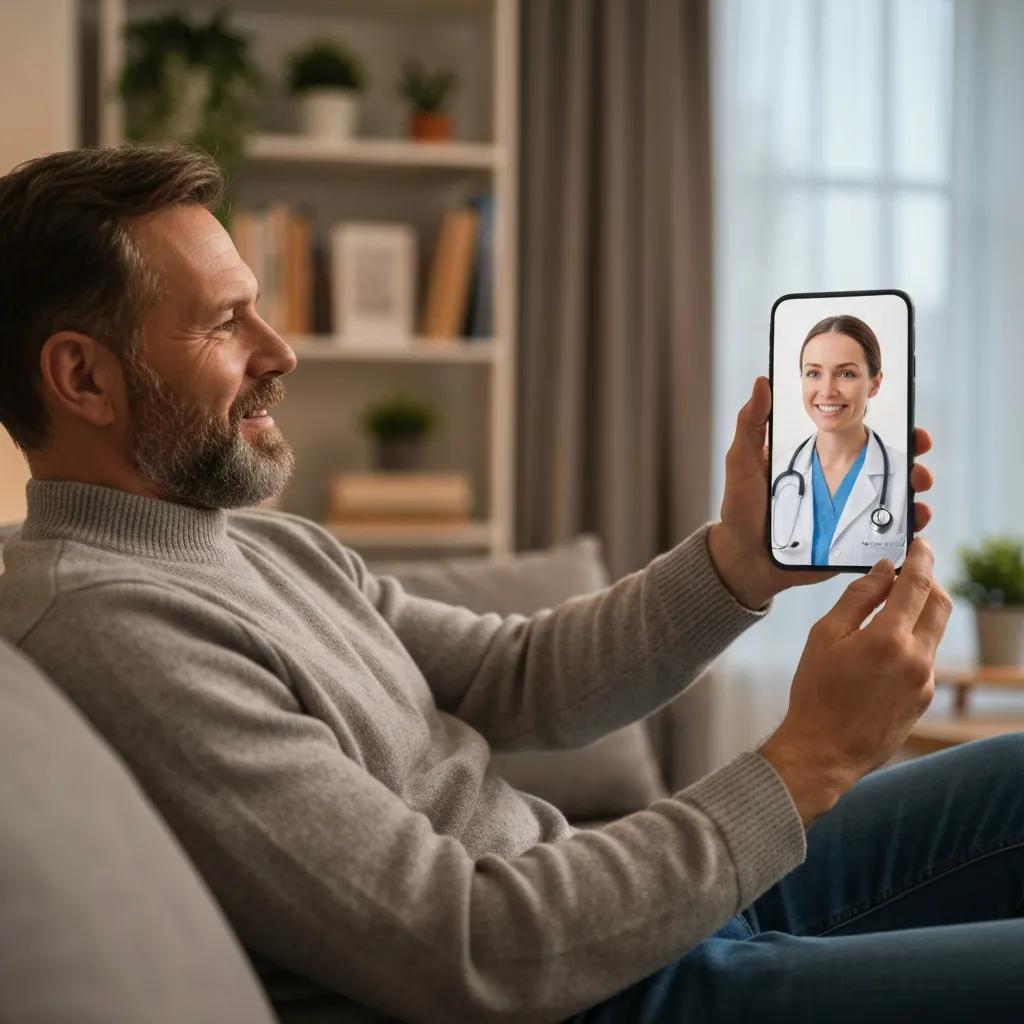
Good mobile engagement builds a smooth care journey from discovery through appointment reminders, secure follow-up and telehealth—reducing no-shows and improving retention. The goal is to meet patients where they already are: SMS, push notifications, secure messaging and mobile portals, while keeping privacy and booking integration front of mind. Benefits include better appointment adherence, faster communication and higher patient satisfaction, which often increases reviews and referrals. The sections below explain telehealth and social approaches that work best on phones.
How can secure messaging and telehealth enhance mobile patient communication?
Secure messaging and telehealth extend access and remove barriers like travel and scheduling, letting short consults and follow-ups happen on the patient’s device. Choose a secure messaging platform that links with your appointment system and consent workflows so booking confirmations include telehealth links and post-visit messages. From a privacy perspective, pick platforms that meet Australian data expectations and make consent and documentation straightforward. The predictable outcome is fewer no-shows, faster triage and smoother clinical workflows.
- Include telehealth links in appointment confirmations sent to mobile devices.
- Use secure messaging for quick triage and clear post-visit instructions.
- Present consent and privacy notices before telehealth sessions.
These communication channels pair naturally with social media tactics for patient education and local reach, described next.
How does social media marketing connect healthcare practices with mobile patients?
Social media reaches mobile patients with short, visual content where they already spend time—stories, reels and short videos work especially well. High-performing content includes quick education clips, clinic walk-throughs, before-and-after photos (where appropriate) and community posts that signal local relevance. Paid social lets you target by radius and interest, so you can show booking CTAs to likely patients in your area. Track engagement and link-throughs to your mobile booking flow to measure impact from awareness to appointment.
- Prioritise short video and story formats for better mobile engagement.
- Use local targeting to reach nearby patients and promote bookable posts.
- Measure conversions from social clicks to mobile bookings and calls.
These engagement tactics also guide ad creative and landing page design, covered in the advertising section below.
Which mobile advertising strategies drive patient acquisition for small clinics in Australia?
Mobile advertising should match intent and budget: geo-targeted search ads catch high-intent patients, social ads build awareness and bookings, and display/remarketing keeps your clinic front-of-mind. Targeting options—location, device and schedules—let small clinics spend where nearby patients are most likely to convert on mobile. Use single-action CTAs like click-to-call or direct booking links to remove friction. The table below compares common ad channels so you can pick a simple test mix for your clinic.
Intro: The table compares practical ad channel options for small clinics by targeting, cost and suggested use-case.
| Ad Channel | Targeting / Cost | Best for (Practical recommendation) |
|---|---|---|
| Geo-targeted Search Ads | Radius targeting, keywords; CPC varies | Capture high-intent local searches—use for urgent or specialist services |
| Social (Facebook/Instagram Stories & Reels) | Interest + location; often lower CPC for awareness | Build local awareness and promote bookable posts or offers |
| Mobile Display & Remarketing | Audience-based; cost-effective for retargeting | Re-engage past visitors and boost appointment reminders |
| Local Services / Map Ads | Prominent on maps; higher CPC but strong intent | Drive calls and directions from mobile map users |
Use this comparison to decide which channels to test first, based on budget and local demand.
How to set up targeted mobile ad campaigns for healthcare practices?
Start campaigns with clear goals—calls, bookings or leads—and define your audience by location and service intent so budget targets nearby patients. Build mobile-first creatives with single-action CTAs (call or book) and point ads to landing pages optimised for booking widgets or click-to-call. Configure location radius and ad schedules that match opening hours, and set up conversion tracking for calls and booking completions so you can measure ROI. Stay compliant with ad policies: avoid clinical claims and stick to factual service descriptions to reduce disapproval risk.
- Define your campaign goal: call, booking or lead capture.
- Set tight location targeting and mobile bid adjustments.
- Use mobile-optimised creatives and landing pages with booking widgets.
- Enable call-tracking and record booking completion events.
These setup steps feed into conversion optimisation tactics and follow-up workflows discussed next.
After setting up campaigns, many clinics work with a specialist to scale. Milkcan Marketing runs targeted mobile ad campaigns with local targeting and transparent pricing—contact us for a quote to evaluate geo-targeted strategies for your practice.
What are best practices for converting mobile leads into appointments?
Convert mobile leads by removing steps between click and booking and offering fallback contact options like click-to-call. Use concise mobile landing pages with a single prominent CTA, minimal or pre-filled forms, and a clear booking widget to reduce abandonment. Add automated follow-ups—SMS reminders and secure message nudges—for partially completed bookings to recover near-conversions. A/B test CTA copy, form length and page load speed to improve conversion rates and measure effects on completed bookings.
- Use single-action CTAs (Call now, Book online) on ads and landing pages.
- Keep forms to three fields or fewer and enable autofill to reduce friction.
- Follow up abandoned leads via SMS or secure messaging workflows.
These tactics improve ad efficiency by increasing bookings per ad dollar, and tie back to why mobile-first site design matters.
Why is mobile-first design crucial for Australian healthcare websites?
Mobile-first design matters because Google uses mobile-first indexing and most patients search for healthcare on phones. Mobile UX, speed and CTA placement directly affect ranking and conversions. Faster, responsive pages with clear mobile CTAs lower bounce rates and send positive engagement signals to search engines, improving local visibility. Three measurable wins are better mobile search rankings, higher click-to-call/book conversions, and lower bounce rates—each protecting and growing your local presence. The next sections cover essential mobile features and how speed affects retention and ranking.
What are the essential features of a mobile-optimised healthcare website?
Essential features include obvious click-to-call and booking buttons above the fold, short service pages, visible contact details and local schema markup to help search engines. Keep navigation simple so booking is two taps or fewer, and make forms touch-friendly with mobile autofill. Put the answers to common patient questions up front and route users quickly to call or booking actions without lengthy scrolling. These are quick wins that boost conversions and prepare your site for speed work, discussed below.
| Feature | Impact on UX / SEO | Implementation tip and priority |
|---|---|---|
| Click-to-call & Booking Button | Increases immediate conversions | Place prominently in the header; high priority |
| Streamlined Service Pages | Improves relevance for local queries | Use short, mobile-optimised content; medium priority |
| Local Schema Markup | Helps search engines map services to queries | Add Schema.org/LocalBusiness and service markup; high priority |
| Mobile Booking Widget | Reduces booking friction | Embed a fast-loading widget; high priority |
Use this feature list to prioritise work by impact and ease of implementation.
How does mobile site speed impact patient retention and search rankings?
Mobile speed directly affects retention: slow pages increase abandonment and reduce the chance a visitor will call or book. Search engines include Core Web Vitals in ranking, so speed influences both conversions and visibility. Aim for mobile load times under recommended thresholds and apply image optimisation, caching and lightweight templates to improve perceived and real speed. Monitor Core Web Vitals and address issues like cumulative layout shift, largest contentful paint and interaction delays to protect ranking signals. Faster pages keep patients engaged and reduce drop-off between ad click or GBP visit and a completed booking.
- Target fast load times and monitor Core Web Vitals regularly.
- Optimise images, enable caching and choose a performant hosting stack.
- Limit third-party scripts that slow mobile rendering.
These speed improvements translate directly into better mobile acquisition metrics, which we cover next.
How can small healthcare practices measure and monitor mobile marketing success?
Measure mobile marketing success with KPIs that reflect patient actions on phones—mobile sessions, mobile conversion rate, calls from mobile and GBP mobile actions—and map each KPI to the right tool and reporting cadence. Track both acquisition and conversion signals so you can act where it matters: if calls rise but bookings don’t, fix booking flows; if sessions go up with no conversions, improve CTAs and speed. Below is a practical mapping of KPIs to tools and recommended frequencies so small teams can stay focused without overload.
Intro: The table maps key mobile KPIs to tools and recommended reporting cadence for small practices.
| KPI | Measurement Tool | Frequency & Action Threshold |
|---|---|---|
| Mobile sessions | Google Analytics 4 (mobile report) | Weekly check; >10% drop triggers a UX/speed audit |
| Mobile conversion rate | GA4 + booking widget events | Weekly; <1–2% conversion prompts a landing page test |
| Calls from mobile | Call-tracking platform | Daily to weekly; sudden drops warrant a tracking check |
| GBP mobile actions | Google Business Profile insights | Monthly; declining clicks prompt a GBP content refresh |
This simple mapping helps practices prioritise monitoring and set sensible action triggers without complex reporting.
Which KPIs best reflect mobile patient acquisition and engagement?
Primary mobile KPIs are mobile sessions (discovery), mobile conversion rate (bookings per session), calls from mobile (direct intent) and GBP mobile actions (click-to-call, directions, website). Each KPI maps to a stage of the mobile funnel: sessions show reach, GBP actions show interest, calls show intent, and conversion rate shows booking success. Set realistic local benchmarks—many small clinics prioritise boosting conversion and call volume first—and use month-on-month comparisons to spot trends. If a KPI drops, run a short SOP: audit landing pages, check speed and validate tracking as immediate steps.
These KPI-focused checks combine with the tools below to create a compact measurement system you can act on regularly.
What tools help track mobile SEO and advertising performance?
Track mobile SEO and ad performance with a mix of analytics and specialised tools: Google Analytics 4 for sessions and conversion events, Google Search Console for mobile queries and indexing, call-tracking to attribute phone leads, and ad dashboards for CTR and cost metrics. Mobile SERP rank trackers show local visibility shifts, while Core Web Vitals and schema checkers flag technical issues. Keep reporting simple—weekly for ads and calls, monthly for GBP and organic—so small teams can spot trends and prioritise fixes without being overwhelmed.
- GA4: session and conversion event tracking for mobile.
- Google Search Console: mobile search performance and indexing.
- Call-tracking: attribute phone leads to campaigns and GBP.
- Core Web Vitals tools: measure mobile speed and layout stability.
Set up these tools and a short reporting cadence to get actionable insights that feed optimisation cycles.
What are common challenges in reaching patients on mobile devices and how to overcome them?
Common problems include slow pages, clunky booking UX, inconsistent local listings, low review volume and limited internal capacity for ongoing optimisation. Mobile success needs ongoing attention to technical performance, listing management and patient communication workflows—not one-off fixes. Use a prioritisation framework that tackles high-impact, low-effort items first (speed and GBP completeness), then move to medium-effort tasks like review generation and ad testing. Below are practical solutions and troubleshooting steps for each issue.
How to handle mobile website usability issues for healthcare practices?
Fix usability issues with a short audit focused on navigation clarity, touch-target sizing, form length and accessibility. Test critical flows—booking and call initiation—on common phone models. Quick wins include larger buttons, fewer form fields, enabling autofill and keeping contact info visible above the fold to reduce taps to conversion. If you don’t have in-house developers, compile a short ticket list and prioritise fixes that directly affect bookings—booking widget integration, image compression and removing blocking scripts. Those measures restore usability fast and improve conversion paths for mobile visitors.
- Run a short mobile usability audit focused on booking and call flows.
- Prioritise fixes: CTA visibility, button size and form simplification.
- Create an implementation ticket list for technical work.
These usability steps complement listing and reputation work, discussed next.
What are solutions for maintaining consistent local listings and reviews on mobile?
Keep listings and reviews consistent with a simple process: maintain NAP (name, address, phone) consistency across major directories, automate review requests after visits, and respond quickly using mobile-friendly dashboards. Automate an ask→remind→respond sequence: ask in-clinic or post-visit, send an SMS or email reminder with a direct review link, and reply using the GBP mobile app to keep visibility high. Schedule quarterly citation audits to fix inconsistencies and set alerts for new reviews so your team can respond fast—this improves reputation signals and mobile conversion rates.
- Ensure consistent NAP across key directories and listings.
- Automate review requests and reminders after appointments.
- Monitor and respond to reviews quickly using mobile dashboards.
These operational habits reduce discovery friction and turn mobile interest into appointments.
If you’d prefer hands-on help, Milkcan Marketing specialises in helping small dental and healthcare practices attract local patients with Local SEO, Google Business Profile management and targeted digital advertising. We offer tailored local growth strategies with transparent pricing and no lock-in contracts. Ask about our mobile-readiness audit to prioritise the highest-impact fixes for your practice.
Frequently asked questions
What are the benefits of mobile-first healthcare marketing?
Mobile-first healthcare marketing makes it easier for patients to find, contact and book your practice from their phones. It improves search visibility, speeds up the booking path and enhances the user experience—resulting in higher conversion rates, fewer no-shows and better patient satisfaction. Put simply: meeting patients on mobile means you meet them where they already look for care.
How can small practices ensure their mobile websites are user-friendly?
Focus on responsive design, obvious click-to-call buttons, simplified navigation and short forms. Regularly test the site on a few common phones to spot usability issues. Fast loading times and clear CTAs make it simpler for patients to book or call, which directly improves conversion.
What role does social media play in mobile patient engagement?
Social media reaches patients where they spend time and lets you share short, useful content—education clips, clinic tours and community posts. Use mobile-optimised formats like stories and reels and local targeting to drive booking CTAs. Social is a strong awareness and engagement channel that feeds your mobile booking funnel.
How can practices measure the effectiveness of their mobile marketing efforts?
Track KPIs such as mobile sessions, conversion rate, calls from mobile and GBP actions. Use tools like Google Analytics and call-tracking to attribute leads, and review metrics regularly to spot trends. Simple, regular checks let you focus on the changes that move the needle.
What are common pitfalls in mobile healthcare marketing?
Typical pitfalls are slow load speeds, poor mobile UX and inconsistent listings. These issues drive visitors away before they book. Avoid them by prioritising speed, testing booking flows on mobile and keeping directory listings consistent.
How can telehealth services improve patient retention?
Telehealth adds convenience—patients can have follow-ups and short consults without travel. That convenience increases adherence to care plans and keeps patients engaged with your practice. When telehealth is easy to access from mobile confirmations and integrated into your workflows, it boosts satisfaction, reviews and referrals.
Conclusion
Adopting a mobile-first approach for healthcare marketing helps you meet patients where they search and act—on their phones. By focusing on GBP, mobile UX, secure messaging, telehealth and targeted mobile advertising, you improve visibility, reduce friction and increase bookings. If you’d like tailored help getting mobile-ready, our team at Milkcan Marketing can audit your setup and recommend the highest-impact fixes to grow local patient bookings.