Automating Your Email Marketing Campaigns

Automating Your Email Marketing Campaigns for Healthcare Practices in Australia
Email marketing automation uses software to trigger, personalise and schedule patient communications around actions, dates and clinical events — saving staff hours while keeping care continuity consistent. This guide shows how automation works for small dental, chiropractic and physiotherapy practices in Australia. We cover high‑impact campaign sequences, practical ways to integrate with common practice management systems, APP‑aligned privacy safeguards, and how to measure ROI. Many small clinics face heavy admin, inconsistent follow-up and avoidable no‑shows; automation fixes these by delivering timely appointment reminders, onboarding sequences and recall campaigns that slot into clinical workflows. Read on to learn which automated campaigns drive acquisition and retention, how to tailor sequences by specialty, realistic integration options with your PMS or CRM, and the KPIs to track for steady improvement. We also outline privacy‑safe hosting choices, include clinic‑ready examples and templates, and explain when to combine email with SMS for critical, time‑sensitive messages.
Why Is Email Marketing Automation Essential for Small Healthcare Practices?
Email automation ensures the right patient gets the right message at the right time — which reduces admin load and improves appointment adherence. Systems use triggers such as booking confirmations, appointment dates or time since last visit to run sequences that guide patients through onboarding, reminders and recall workflows. The practical outcomes are better patient retention, more enquiries converted to bookings, and a predictable communication cadence that supports both clinical care and revenue. Below we list the main benefits clinics see when they adopt automation; these help owners decide which workflows to build first and show why automation links directly to operational efficiency and patient experience.
Email automation delivers clear, measurable wins for small practices:
- Staff save time: automation removes repetitive manual follow‑ups and lowers administrative overhead.
- Stronger retention: recall and preventive‑care sequences increase lifetime patient value.
- Fewer no‑shows: timely reminders and confirmations stabilise revenue and clinician schedules.
- More relevant messaging: personalised, segmented emails boost engagement and patient loyalty.
These outcomes make automation a priority for clinics that want to scale patient communication without adding headcount. The next section explains which campaigns typically deliver the best results.
What Are the Key Benefits of Automated Patient Communication?
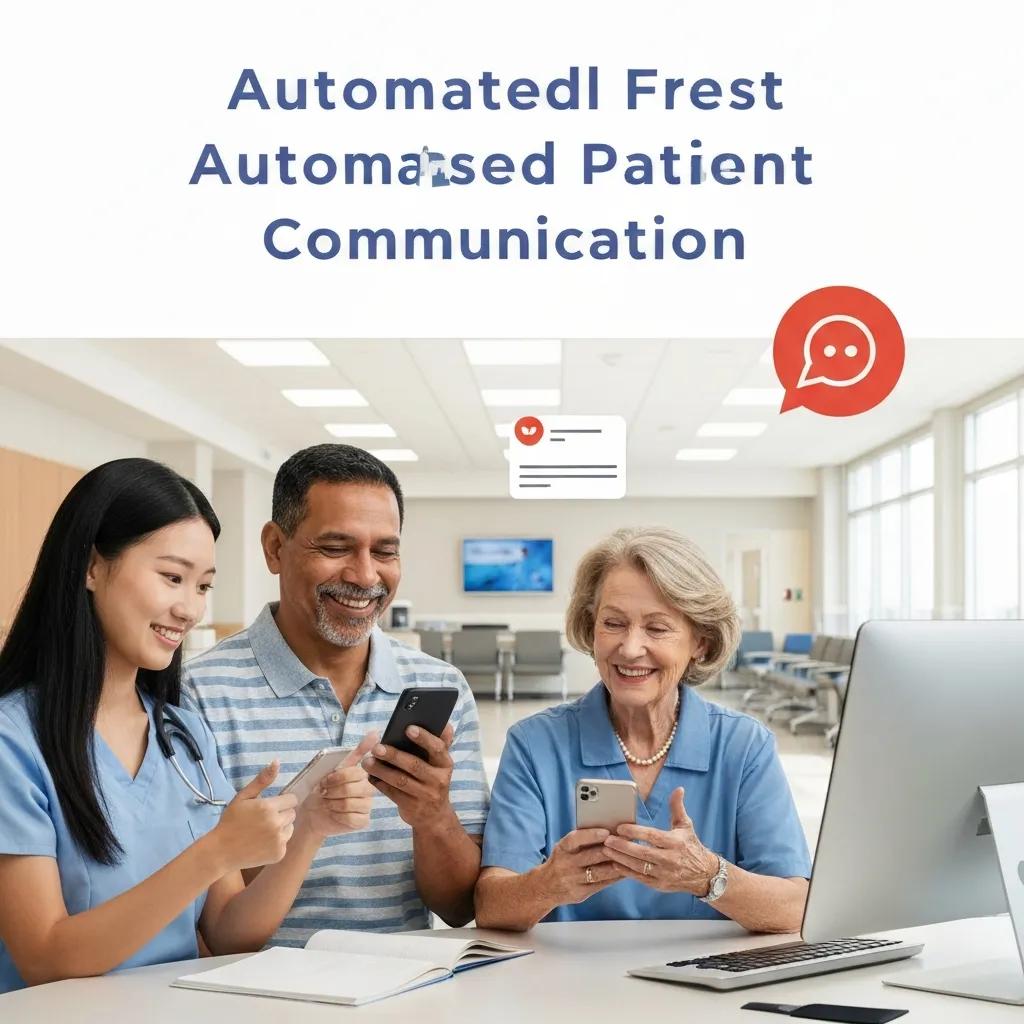
Automated patient communication cuts routine admin, improves follow‑up consistency and drives measurable business outcomes through targeted sequences.
By automating welcome messages, appointment confirmations and recall notices, clinics free up staff time while ensuring every patient receives timely next‑step prompts and clinical information.
For example, a short onboarding sequence that introduces the practice, sets first‑visit expectations and prompts a welcome booking reduces early drop‑out and lifts first‑visit attendance.
Recent practice audits and industry benchmarks show personalised automated journeys regularly outperform generic bulk mailings for opens and conversions — which supports both patient experience and clinic revenue.
With those operational benefits clear, next we explain how automation increases engagement and loyalty through personalisation and well‑timed triggers.
How Does Automation Improve Patient Engagement and Loyalty?
Automation boosts engagement and loyalty by combining segmentation, personalisation tokens and timely triggers so patients receive relevant content when it matters. A patient who gets a personalised post‑appointment care summary, exercise reminders or targeted preventive prompts is more likely to follow care plans and rebook, improving adherence and satisfaction. Using multi‑channel fallback — for example sending an SMS if an email goes unopened — increases reach for urgent messages like appointment confirmations. Together, these approaches strengthen the patient–clinic relationship, turn occasional visitors into regular patients and reduce the chance of patients drifting to competitors.
This focus on engagement and loyalty leads us to the specific automated campaigns that most directly influence acquisition and retention.
Which Automated Email Campaigns Drive Patient Acquisition and Retention?
The highest‑impact campaigns are onboarding/welcome sequences, appointment reminders and confirmations, recall/preventive‑care campaigns, and post‑appointment follow‑ups (including feedback requests). Each targets a point in the patient lifecycle and produces measurable outcomes such as improved first‑visit attendance, fewer no‑shows, more repeat bookings and more reviews. The quick comparison below helps clinics prioritise which sequences to implement first according to clinical goals and likely return.
The table below compares common automated campaigns and when to use them:
| Campaign Type | Primary Goal | When to Use / Expected Outcome |
|---|---|---|
| Welcome / Onboarding | Convert leads into first visits | Trigger immediately after new patient sign‑up; increases first‑visit bookings and reduces early drop‑off |
| Appointment Reminders | Reduce no‑shows | Send 7 days, 48 hours and 2 hours before the appointment; cuts no‑show rates and late gaps |
| Recall / Preventive Care | Boost retention | Use a timed cadence based on clinical guidelines (e.g., 6–12 months); increases rebooking and preventive visits |
| Post‑appointment Follow‑up | Improve satisfaction & generate reviews | Send 24–72 hours after the visit; drives feedback submissions and continuity of care |
This comparison helps clinics choose initial automation priorities; next we share a sample welcome sequence and a typical reminder cadence to illustrate how these campaigns are structured.
What Are the Most Effective Automated Email Sequences for New Patients?
A concise new‑patient welcome sequence usually includes an immediate confirmation, an educational follow‑up, a practical logistics message, and a rebooking prompt to turn the first visit into ongoing care.
Begin with an immediate welcome email confirming the booking and listing what to bring. Follow with a 48–72 hour educational email explaining common treatments and setting expectations. Send a practical logistics message before the appointment with parking and intake‑form links. After the first visit, send a rebooking prompt suggesting next steps.
Sample subject lines: “Welcome to [Practice Name] — Your Appointment Confirmed”, “Preparing for Your First Visit”, “Next Steps & Homecare After Your Visit”.
Sequencing these messages reduces pre‑visit anxiety, increases clarity for patients and improves attendance and satisfaction — which naturally flows into the reminder strategies below.
How Do Appointment Reminders and Follow-ups Reduce No-Shows?
Appointment reminders and follow‑ups cut no‑shows by creating multiple, easy touchpoints across channels and offering quick options to confirm, cancel or rebook. A reliable cadence is an initial reminder 7 days before to reduce late cancellations, a 48‑hour reminder with a confirmation CTA, and a 2‑hour SMS or email as a final prompt; including a one‑click cancellation or reschedule link reduces admin work. Clinic audits consistently show combining email with SMS for the final reminder gives the largest drop in no‑shows. This cadence also frees staff from chasing appointments and improves revenue predictability by confirming attendance or freeing slots earlier for rebooking.
With campaign types and sequences clear, the next section covers tailoring automation workflows for dental, chiropractic and physiotherapy patient journeys.
How Can Email Automation Be Tailored for Dental, Chiropractic, and Physiotherapy Practices?
Tailoring automation starts with mapping each specialty’s patient journey — treatment plans, multi‑visit protocols and recall intervals — then building sequences that reflect those differences. Dental clinics prioritise recalls and treatment‑plan follow‑ups; chiropractic practices focus on multi‑visit care series and exercise adherence; physiotherapy emphasises rehab progression and home‑exercise reminders. Designing dedicated templates and cadence rules for each specialty keeps messages clinically relevant, builds trust and improves adherence.
Below are practical examples for adjusting tone, timing and content by practice type.
Dental practices benefit from automation focused on preventive recalls and post‑treatment care:
- Immediate post‑treatment follow‑up confirming procedure details and aftercare instructions.
- Recall reminders aligned to the clinic’s recall interval (e.g., six months for hygiene).
- Treatment‑plan nurture emails that break larger plans into manageable booking prompts.
These targeted messages increase preventive bookings and encourage review generation, and they lead naturally into allied‑health automation strategies.
What Automated Email Strategies Work Best for Dental Practices?
Dental clinics should prioritise recall sequences that combine education with clear booking prompts, and post‑treatment follow‑ups that cover pain management and healing timelines. A practical recall cadence could be an educational reminder three months before due, a 30‑day booking prompt, and a final seven‑day reminder with easy online booking. Post‑op emails sent 24–72 hours after a procedure answer common concerns in writing and reduce phone queries by linking to aftercare resources. This approach recovers missed recall opportunities and raises routine‑care booking rates, supporting long‑term practice health.
These dental strategies show why clinical accuracy in content matters — the same care applies for chiropractic and physiotherapy workflows below.
How Do Chiropractic and Physiotherapy Clinics Use Automation to Streamline Bookings?
Chiropractic and physiotherapy clinics use automation to manage multi‑visit care plans by sending session reminders, exercise‑adherence nudges and progress‑check surveys that keep patients engaged between visits. Typical sequences include a course‑intro email outlining expected milestones, session‑by‑session reminders, and mid‑course motivational messages that reinforce home exercises. Embedding short video demonstrations or downloadable exercise sheets in emails improves adherence and clinical outcomes. Regular, clinically grounded contact increases the chance patients complete prescribed courses and rebook for maintenance care.
With clinical tailoring covered, we now turn to data protection and compliance — essential for running automated campaigns safely in Australia.
How Does Milkcan Marketing Ensure Compliance and Data Security in Email Automation?
Compliance with the Australian Privacy Principles (APPs) and secure handling of health information are central to lawful automation. That means getting clear consent, applying purpose limitation and putting reasonable security safeguards in place. Practically, clinics should capture explicit consent at intake, avoid including clinical details in email subject lines, and choose vendors that offer encryption in transit and at rest. Local data residency and vendor due diligence reduce jurisdictional risk and speed breach response; pick providers with transparent data‑handling policies. Below is a short checklist clinics can apply immediately to align automation with APP obligations and reduce privacy risk.
Follow these compliance best practices to stay APP‑aligned:
- Capture explicit, documented consent for marketing and clinically related email communications.
- Limit messages to the purpose covered by consent and avoid unnecessary clinical detail in subject lines.
- Use vendors that provide encryption, role‑based access controls and regular security reviews.
- Keep a clear records trail of opt‑ins/opt‑outs and offer simple unsubscribe or preference options.
These safeguards lower regulatory risk and protect patient trust. For clinics that prefer expert help, Milkcan Marketing embeds these practices into implementations. Milkcan Marketing is an Australia‑based digital agency that helps small dental and healthcare practices attract local patients and improve online visibility. We focus on tailored, transparent and flexible solutions without lock‑in contracts, and support automation features like automated review requests, follow‑up tracking and performance monitoring while ensuring vendor due diligence and privacy‑first integrations.
What Are the Australian Privacy Requirements for Healthcare Email Campaigns?
The Australian Privacy Principles require personal information to be collected for a lawful purpose, used only for that purpose, and stored securely with reasonable steps to protect it. For healthcare communications this means extra care around sensitive health data and ensuring consent explicitly covers the types of clinical messages a patient will receive. Clinics must be ready to notify individuals and authorities if a breach is likely to cause serious harm. Implementing role‑based access, encryption and routine vendor audits helps meet these obligations and reduces non‑compliance risk.
These regulatory needs make local hosting and careful vendor choice particularly important, which we cover next.
How Does Local Data Hosting Enhance Security for Small Clinics?
Local hosting improves security by keeping patient records within Australian jurisdiction, simplifying APP compliance and reducing cross‑border legal complexity. Hosting locally can also reduce latency and ensure breach responses align with national law and notification expectations. Clinics should assess hosting location, encryption standards, backup procedures and contract terms that specify data handling and breach timelines. A vendor security checklist covering physical security, encryption, access controls and incident response helps clinics pick partners that match their risk tolerance and regulatory needs.
Evaluating hosting alongside integration options helps clinics design safe, connected automation workflows, covered next.
How Can Email Automation Integrate with Practice Management Systems?
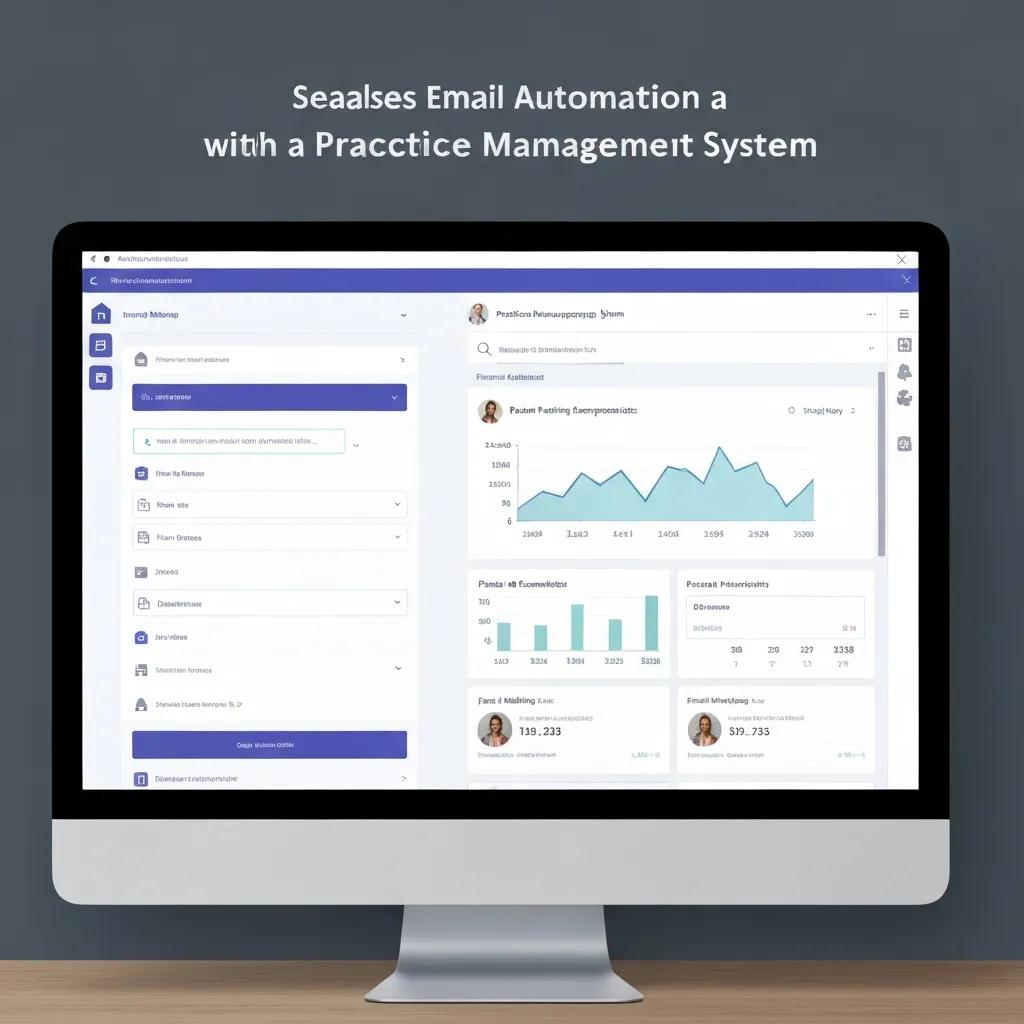
Integrating email platforms with your practice management system (PMS) or CRM enables accurate triggers, dynamic personalisation and lifecycle journeys driven by real clinical events. Integrations typically share core fields — patient name, appointment dates, treatment codes and contact preferences — via secure API, scheduled CSV exports or middleware connectors. The benefits are real‑time triggering, less duplicate data entry and better segmentation based on actual clinical status. The table below summarises common integration patterns and the practical data exchanged so clinics know what to expect during implementation.
Intro: The following table helps clinics identify integration compatibility and the value of each data flow.
| System / Integration | Integration Capability | Data Passed / Benefits |
|---|---|---|
| PMS with API support | Real‑time sync via secure API | Appointment data, treatment codes, contact details — enables instant reminders and status‑based journeys |
| CSV / Scheduled Exports | Batch updates on schedule | Patient lists, recall due dates — useful for smaller clinics without APIs |
| Middleware / Zapier‑style connectors | Translates formats | Bridges systems that lack native integration; supports event triggers and two‑way updates |
This comparison clarifies which integration route suits different technical setups and helps clinics balance immediacy against implementation complexity.
Which Practice Management Systems Are Compatible with Automated Email Campaigns?
Most PMS and CRM systems can work with automation via three patterns: direct API, scheduled CSV exports, or middleware connectors. Direct APIs give the cleanest, real‑time experience but need technical setup; CSV exports are simple and suit smaller clinics that can tolerate less frequent updates; middleware connectors offer a middle ground with near real‑time triggers and easier setup. Prioritise integrations that pass appointment timestamps, contact preferences and treatment‑plan flags so messages stay relevant and privacy‑safe. A compatibility checklist — confirming API availability, field mapping and vendor security policies — helps practices choose the right path.
Confirming compatibility and mapping fields enables personalised journeys and leads into how CRM integration deepens personalisation.
How Does CRM Integration Enhance Personalised Patient Communication?
CRM integration powers deeper personalisation by providing segmentation fields and dynamic tokens — such as preferred clinician, last‑visit date and treatment type — that automation uses to tailor subject lines and content. Personalisation boosts open and click rates; for example, mentioning the clinician’s name or the patient’s last visit date makes messages more relevant and actionable. Dynamic content blocks also let clinics show different treatment reminders based on patient history without juggling multiple lists. CRM‑driven personalisation improves engagement and creates more effective rebooking and recall flows.
With integrations in place, measuring impact becomes straightforward — which is the focus of the next section on KPIs and ROI.
How Do You Measure the Success and ROI of Automated Email Campaigns in Healthcare?
Measuring success means tracking engagement, conversion and operational KPIs that reflect both communication performance and clinical outcomes. Core metrics include open rate, click‑through rate, conversion‑to‑booking, no‑show rate and revenue influenced by campaigns. Attribution can be simple (last‑click) or multi‑touch; for small clinics, a practical approach is to track bookings from campaign‑specific links and monitor changes in recall bookings and no‑show reductions. The table below defines key KPIs, calculation notes and sample benchmarks to help clinics set realistic targets and reporting cadences.
Intro: The following KPI table defines key metrics, how to calculate them, and example benchmarks for small clinics.
| KPI / Metric | Calculation / Definition | Benchmark / Example |
|---|---|---|
| Open Rate | Emails opened ÷ emails delivered | 20–35% typical for clinical communications |
| Click‑through Rate (CTR) | Clicks ÷ emails delivered | 2–8% depending on content relevance |
| Conversion to Booking | Bookings from email link ÷ clicks | 10–25% — varies by offer and ease of booking |
| No‑show Rate | Missed appointments ÷ scheduled appointments | Aim to reduce by 20–50% with reminders |
These KPIs give a practical foundation for reporting; next we outline how automated reporting and optimisation improve campaign performance over time.
What Key Performance Indicators Should Small Practices Track?
Small practices should focus on a compact KPI set that links communication performance to clinical outcomes: open rate, CTR, conversion‑to‑booking and no‑show rate. Open rate signals subject‑line relevance and deliverability, CTR shows content engagement, conversion‑to‑booking demonstrates direct revenue impact, and no‑show rate measures operational effectiveness. Benchmarks vary by specialty and list quality, but tracking these metrics over time reveals trends and the impact of tests. Monthly monitoring gives clinics a manageable cadence for iteration without overwhelming staff.
Regular KPI tracking enables a test–measure–adjust loop that drives steady improvement — explained in the next subsection.
How Can Automated Reporting Improve Campaign Effectiveness?
Automated reporting closes the feedback loop: A/B tests, performance dashboards and scheduled summaries guide optimisation without heavy manual effort. Set up monthly dashboards showing KPI trends, compare cohorts (for example SMS+email vs email‑only), and highlight top‑performing subject lines or templates. Run A/B tests on subject lines, send times and CTAs, then roll out winning variants across campaigns. For clinics wanting outside support, Milkcan Marketing offers campaign audits, integration help and reporting set‑up so dashboards surface the right metrics and optimisation cycles are actionable.
Automated reporting connects communication to clinical outcomes and helps clinics refine sequences for better patient care and business performance.
Frequently Asked Questions
What types of email content should be avoided in healthcare communications?
Avoid overly technical jargon that could confuse patients, and never include sensitive clinical details in subject lines or unsecured emails. Promotional content unrelated to the patient’s care can come across as spammy and increase unsubscribes. Instead, keep messages clear, concise and directly helpful — appointment reminders, aftercare instructions and timely health tips work best.
How can clinics ensure their email marketing complies with Australian regulations?
Stick to the Australian Privacy Principles (APPs): capture clear consent, collect information only for lawful purposes, and store data securely. Provide obvious opt‑out choices in every email and regularly review data‑handling practices. When in doubt, consult a privacy professional to check consent wording and vendor contracts.
What role does patient feedback play in improving email campaigns?
Patient feedback is essential. Post‑appointment surveys and follow‑up emails reveal preferences, content relevance and communication timing. Use that input to refine messaging, frequency and formats. Positive comments can also be reused (with consent) in marketing, while constructive feedback highlights quick wins for improvement.
How often should automated email campaigns be reviewed and updated?
Review campaigns at least quarterly to keep content current and effective. Quarterly checks let you analyse performance metrics and apply learnings from A/B tests. Also update campaigns whenever services, staff or clinical guidelines change, or for seasonal promotions.
What are the best practices for segmenting email lists in healthcare marketing?
Segment by demographics, treatment history and engagement level. Useful groups include new patients, those due for follow‑up, and patients with specific conditions. Keep segments up to date based on interactions and preferences so messages stay relevant and personalised.
How can clinics measure the effectiveness of their email marketing campaigns?
Track KPIs such as open rate, CTR, conversion rate and patient retention. Use analytics and campaign‑specific booking links to attribute results. Run A/B tests on subject lines and content to see what resonates, and review metrics regularly to refine strategy.
What are the potential risks of not using email automation in healthcare practices?
Without automation, clinics face higher admin burden, inconsistent patient contact and more no‑shows. Manual follow‑ups are time‑consuming and error‑prone, which can hurt patient experience and practice growth. Automation reduces these risks and supports steady, predictable communication.
Conclusion
Automating email campaigns makes patient communication more reliable and relevant, freeing staff to focus on care while reducing no‑shows and improving appointment adherence. The result is better patient experience and a healthier practice bottom line. If you’d like practical help, our tailored email automation services are built for small clinics — we’ll design workflows that respect privacy, fit your clinical processes and deliver measurable results. Get in touch to see how automation can work for your practice.